Virtual Harp: Play Harp Online Free
Virtual instrument
This virtual harp gives you eight strings, from C4 to C5, played with real concert-harp recordings. Tap a string or use the keys 1–8 or Q–I, then move left or right to hear the pitch rise or fall. It is a compact board for hearing steps, leaps and the octave; a real harp has many more strings and techniques a touchscreen cannot reproduce.
Pluck a string
Tap a labelled string or use 1–8 / Q–I. Each string shows its two keyboard keys; audio starts only after your action.
Play in 60 seconds
Tap C4, or press 1 or Q, and let the note fade before you play D4 with 2. Continue up to C5 with 1–8 or Q–I. Each string shows both of its keys. Sound starts only after your action, nothing is recorded, and no microphone access is needed. Stop sound clears ringing notes, and the volume slider affects only this tool.
Compare two strings plays two notes in random order, either neighbours or one string apart, and asks which was higher. Replay the pair and hum the direction of the second note if you are unsure.
The note map: one octave of natural notes
The board holds C4, D4, E4, F4, G4, A4, B4 and C5. Moving right always goes up in pitch, moving left goes down. Most neighbours are a whole step apart, but E–F and B–C are half steps: play E4–F4 and then C4–D4, and the first pair sounds closer even though both are adjacent buttons. C4 and C5 share a letter but C5 vibrates at twice the frequency; hum C4, then play C5 to hear the same note name in a higher register.
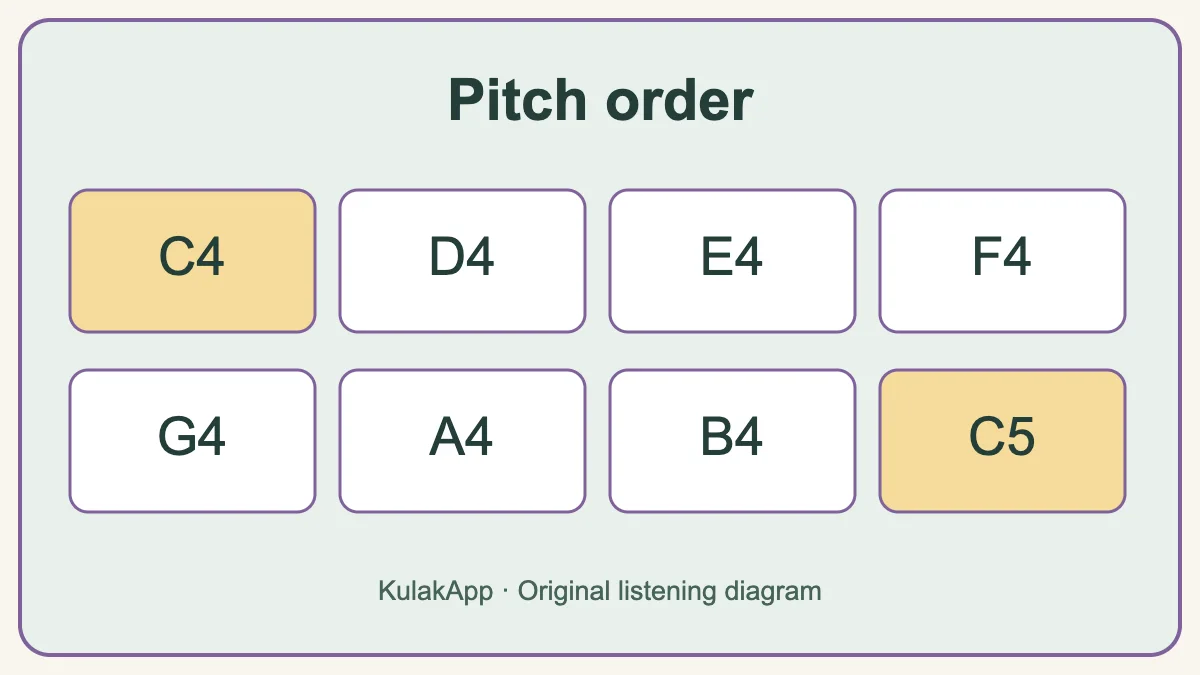
Three original patterns
Climb C4–D4–E4–F4–G4 and come back down, leaving a little space between plucks. Then play the broken chord C4–E4–G4–E4–C4, whose wider jumps make direction changes obvious. Finally try E4–F4–G4–F4–E4–D4–C4, where the close E–F step asks for careful listening. Play each pattern once while watching, once while saying the note names and once from memory; if the third attempt breaks down, shorten it to three notes.
Let the resonance work for you
A plucked string starts brightly and then fades. Pluck C4, wait for most of the sound to die away, then pluck E4, and repeat with G4. Played slowly, C–E–G–E–C overlaps gently; played too fast, the decays blur the melody’s direction. Use Stop to clear the sound before the next try. For chord colour, play C–E–G, F–A–C5 and G–B–D4 one note at a time and then slightly overlapped; G–B–D4 is an inversion on this one-octave board.
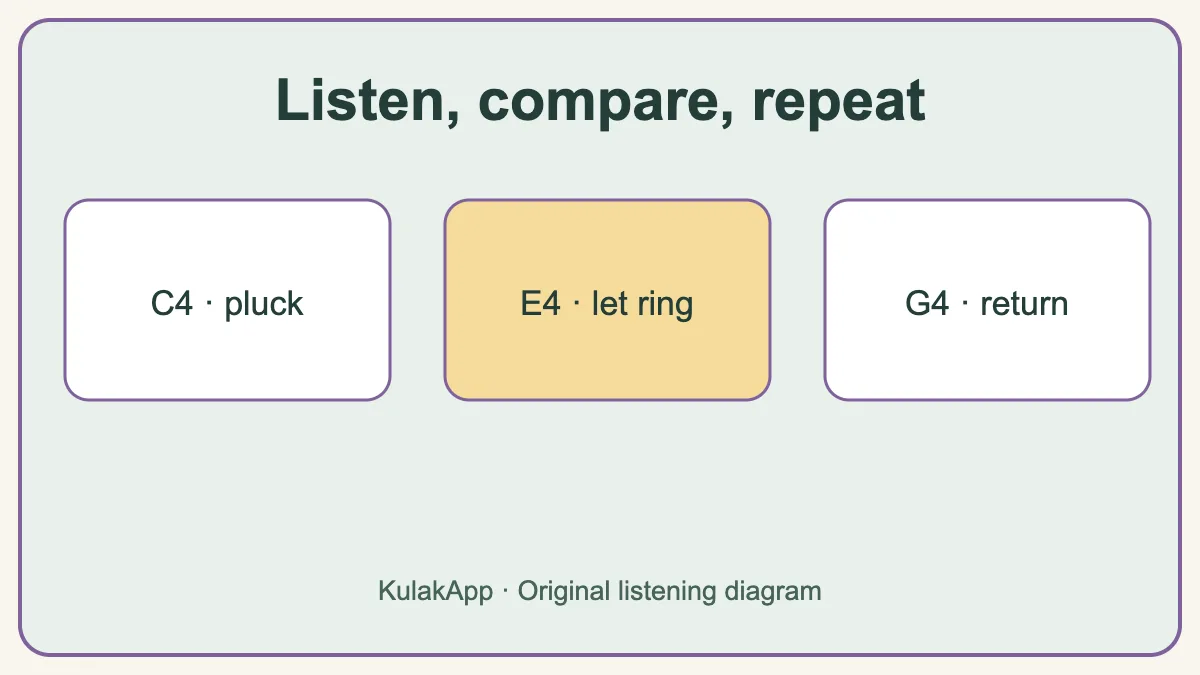
About the sound
The main sound uses CC0 concert-harp recordings from the Versilian Community Sample Library, distributed through FreePats. Four recorded roots are pitch-shifted to the nearby notes to keep the download small, and a light reverb adds room. If a recording cannot load, an original synthesized pluck plays instead. The tool does not model finger contact, damping, string material or the levers and pedals that let a real harp play sharps and flats. On a physical lever harp, red C strings and dark F strings are common visual landmarks, but string charts vary by instrument, so check your own harp’s chart.
Questions people ask
Is this a full-size harp simulator?
No. It is an eight-note pitch-order activity. Real harps have more strings and different mechanisms.
Can I play chords?
Yes, several plucks can ring together briefly, but the board is designed for single notes and short patterns rather than full chords.
Why do the notes fade?
A plucked sound naturally decays. The recorded harp pluck preserves that attack and decay. A synthesized fallback is used if the recording cannot load.
Take pitch listening further
After this short browser activity, KulakApp offers structured exercises and progress tracking.
Instrument fact-check: Harpsicle on strings, Harpsicle on levers and the Salvi technical guide. Exercises and diagrams are original KulakApp work. Concert-harp audio comes from the CC0 FreePats/VCSL bank; the local synthesized fallback is original.